
We often need to copy and paste an exam into Blackboard. This can be time-consuming, but Oklahoma Christian University created a tool to make the copy and paste process easier! You can use this tool to copy your test questions and create a document that is in the correct format for easy upload into Blackboard.
Visit the Oklahoma Christian University Blackboard Test Question Formatter to create exam files that are easily imported into Blackboard tests, surveys, or pools!
How to Use:
- Visit the Oklahoma Christian University Blackboard Test Question Formatter.
- Fill in the Exam Name.
- Copy the questions from your exam file, and paste them into the large text box provided. The questions need to follow the formatting rules.
- Click Generate Test Questions.
- Click Download Test Questions or Download Test Pool. A .txt file will automatically download.
- In Blackboard, navigate to your Blackboard Ultra course.
- Click the plus sign (+).

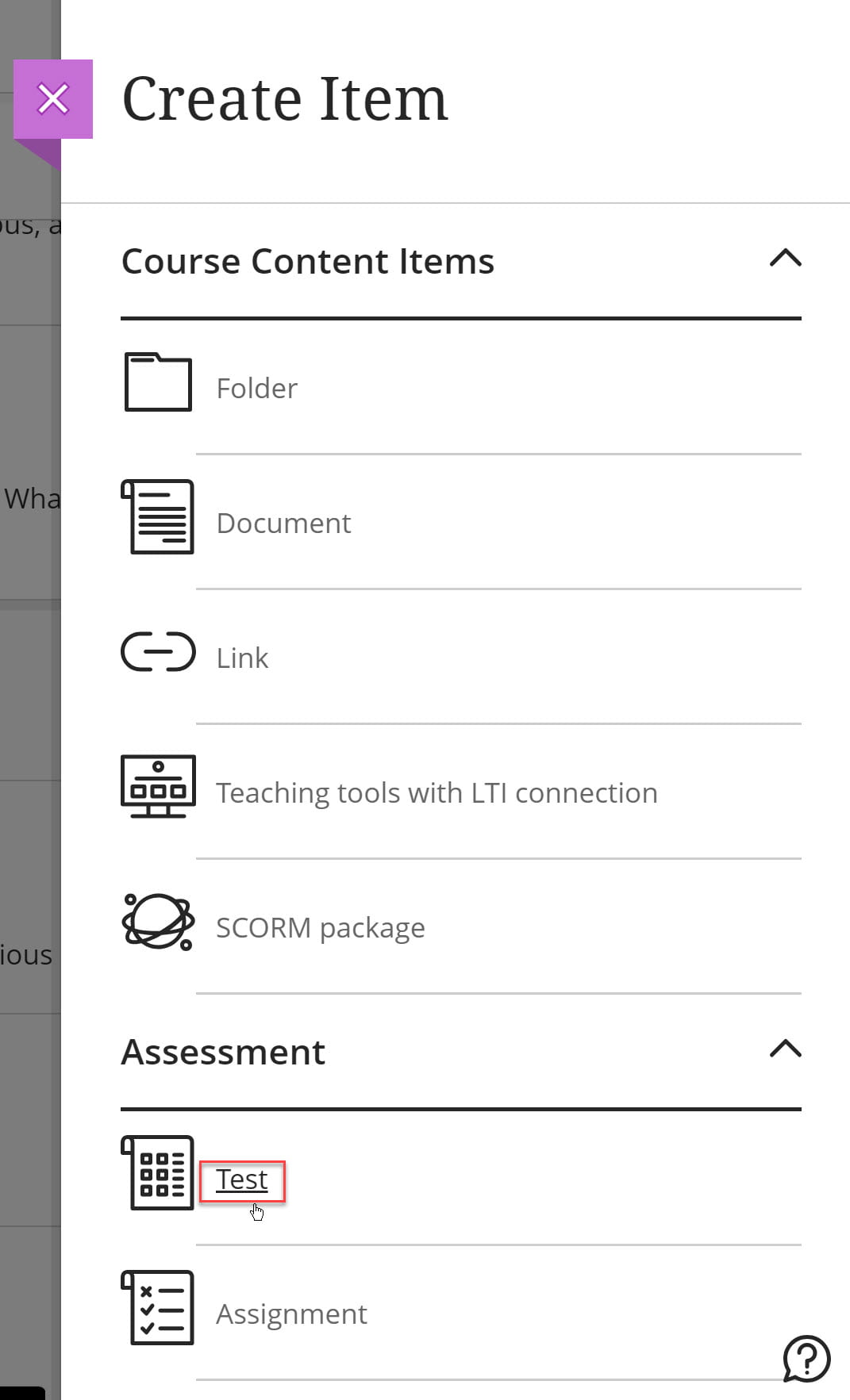
- Click Create.

- Click Test.
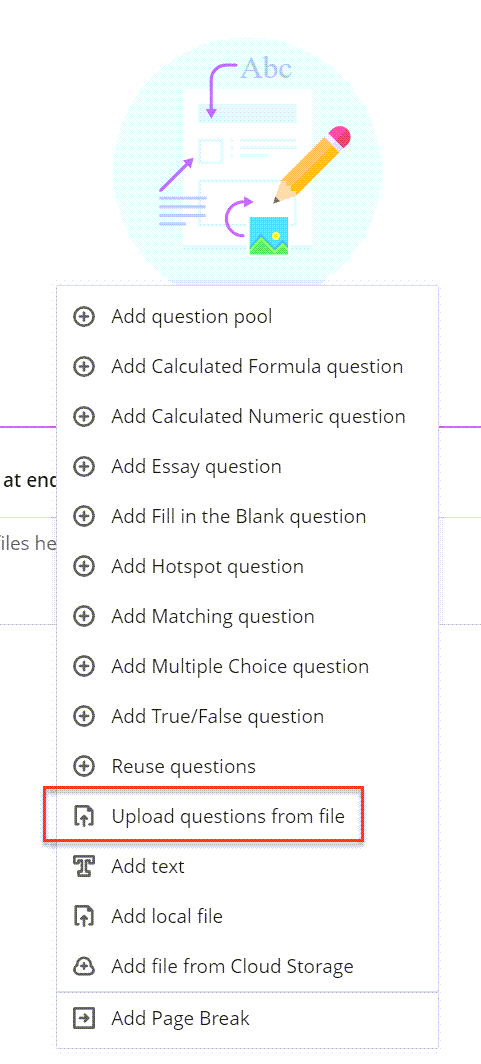
- Click the plus sign (+).
- Click Upload questions from file.
- Browse to where you saved the .txt file and select it and click Open.
This will bring your questions into your Blackboard Ultra course and you can edit point values and other settings.
How to Format:
Directions for Formatting:
- Each question needs to begin on a new line, and start with number and period or number and closed parenthesis, e.g., 1. or 1) Duplicate numbers will cause a formatting error (***Error***).
- If applicable, the answers need to be listed below the question, starting each one on a new line.
Multiple Choice or Multiple Answer
- Answers must begin with a letter and be in alphabetical order. The letter needs to be followed with a period or a closed parenthesis, e.g. a. or a) .
- Correct answers are designated by a preceding asterisk, *.
1. What is the answer to question one?
a. answer one
b. answer two
*c. correct answer three
d. answer four
Matching
- Answers are listed on their own line with matches separated by a forward slash(‘/’).
2. Match these items:
a) item a/item b
b) item c/item d
c) item d/item e
d) item f/item g
Fill-in-the-blank
3. The answer is _____.
answer
True / False
4. The answer is answer
true