Sometimes you might need to download a copy of your video from Kaltura My Media. This article will tell you how!
- Login to Blackboard.
- Click on Tools on the left.

- Click on Kaltura My Media.
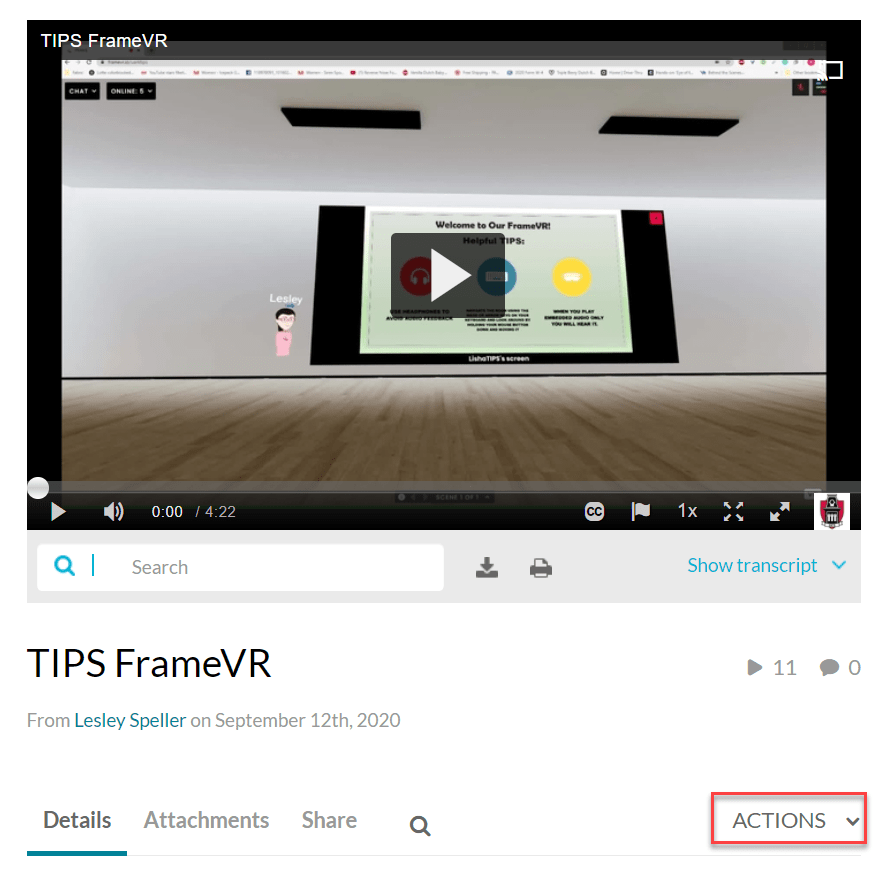
- Click the title of the video.
- Click Actions.
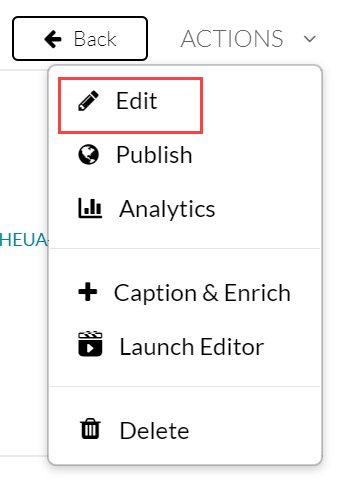
- Click edit.
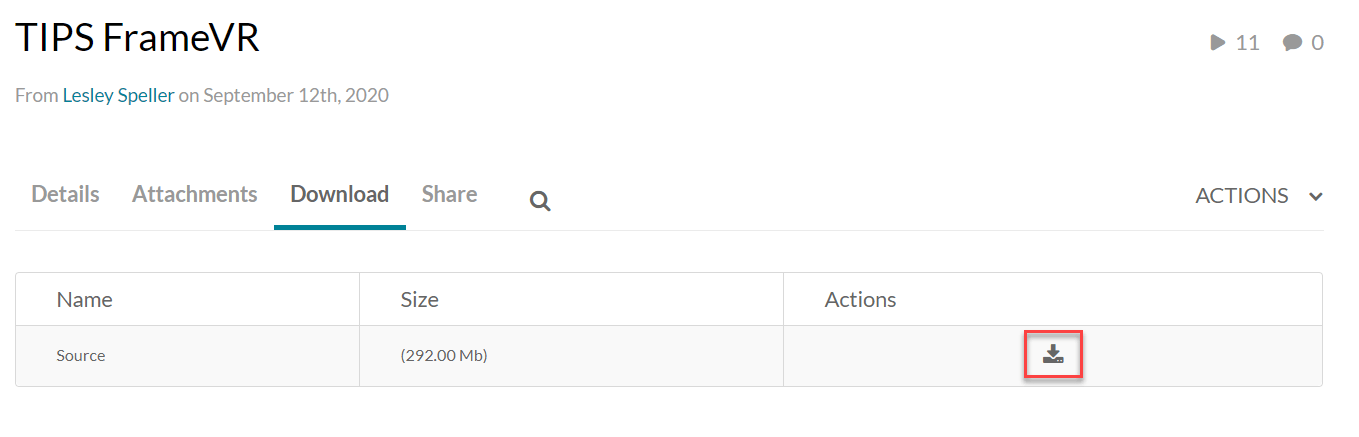
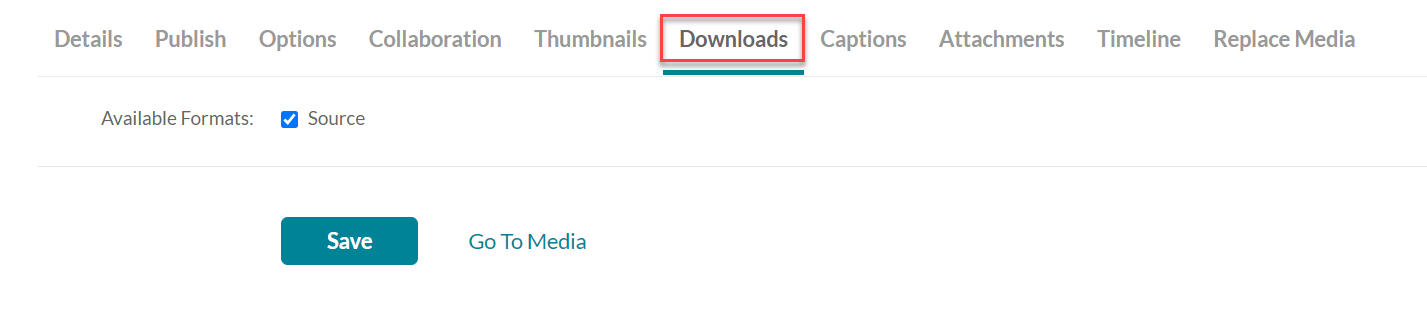
- Click Downloads.
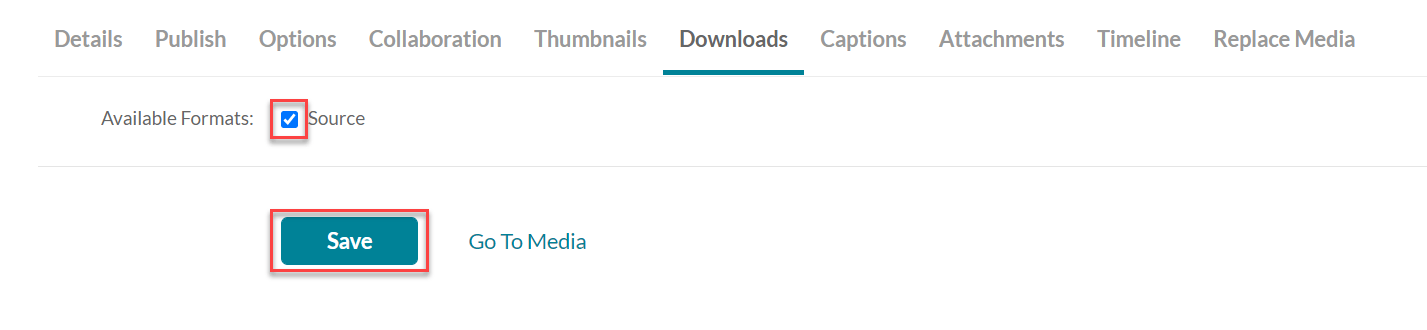
- Click on the checkbox next to Source, and click Save.
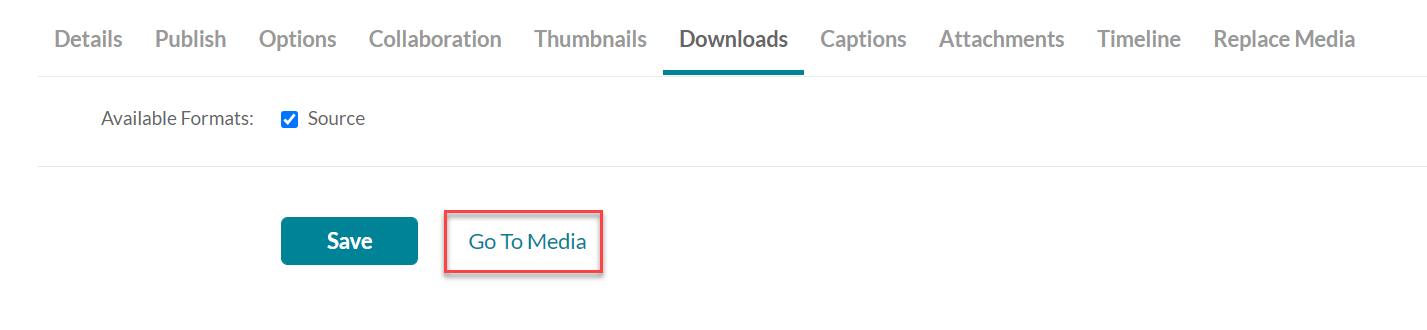
- Click on Go To Media.
- Click on Download.
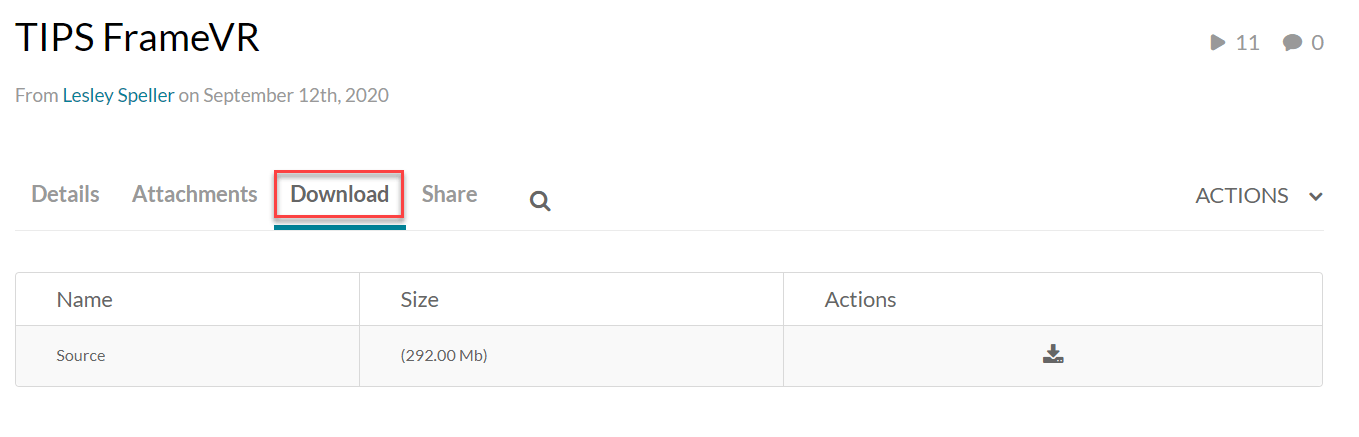
- Click on the Download Video button.